# Test-driven Development for Active Expressions
- **Sources/Code:** nearly all relevant sources in [src/client/reactive](/src/client/reactive/)
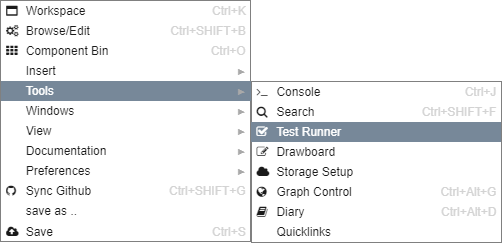
1. Open a **Test Runner** from the context menu using `Right-Click > Tools > Test Runner`:
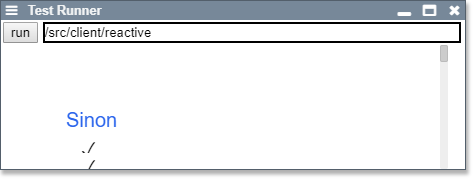
To run all active expression-related test insert `/src/client/reactive` into the folder specification. Hitting the run button will then execute the test suite as mocha tests.
2. Open a **Source Code Browser**
**Ctrl+Shift+B** or **Right-Click > Browse/Edit**
Saving a test file (donated by a `spec.js` or `test.js` file ending) automatically executes it in the open test runner