## 2018-04-17 Yoshiki Demo Session
- object composition
- drag out rectangle
- open object editor
- add method
- run method
- clone object
- content creation
- context menu
- direct (graffle-like) way shape, rectangle, freehand
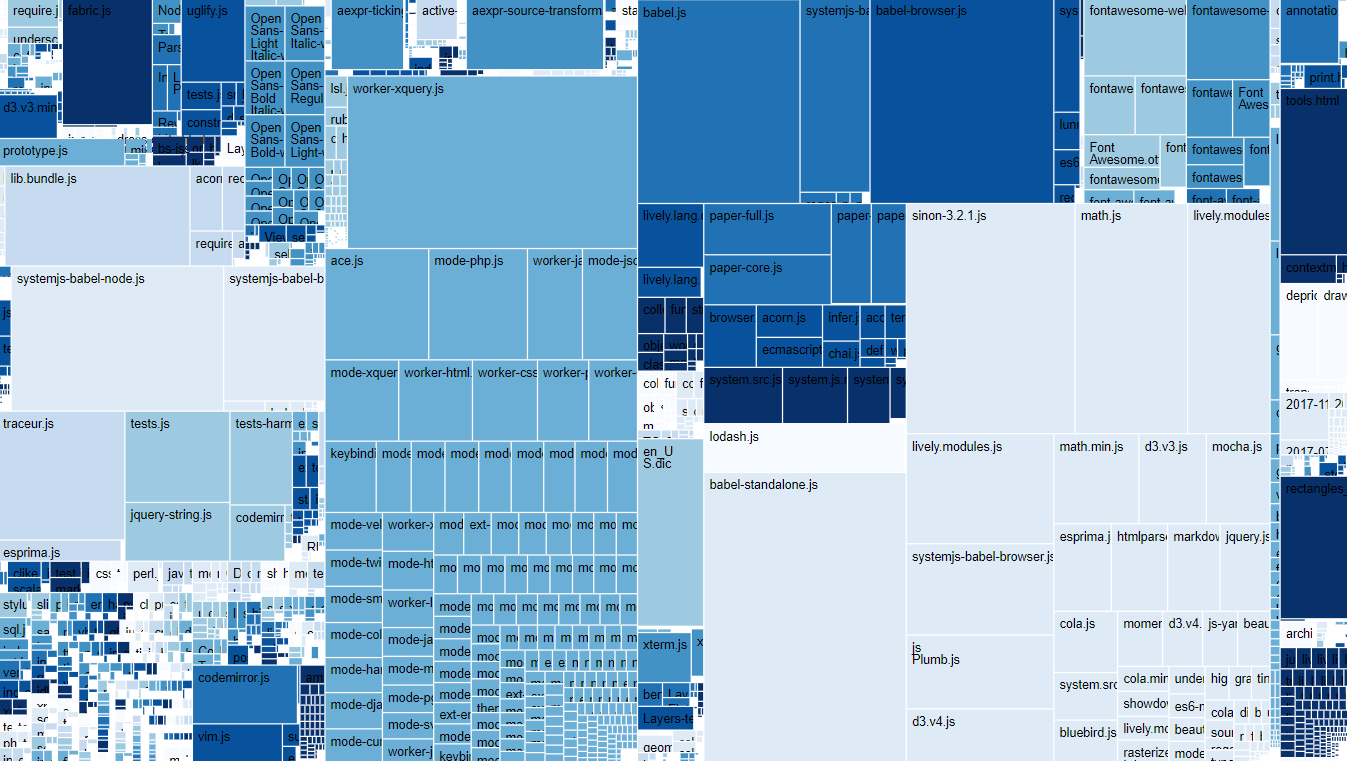
- run snippet from journal (treemap)
- modify treemap (change color scheme)
- explain lively-migrate -> updateViz
- explain attribures and children of HTML Elements
- explain shadow root
- show web-component in inspector and chrome tools
- create new web component
- explain template hooks
- workspace
- async fetch
- do it, print it, inspect it
- lively-server
- GET PUT OPTIONS ...
- how to develop lively4-server through lively4S2
- lively-service worker
- dropbox / googledrive fs
- offline first caching
- polymorphic identifier
- drag from desktop to body
- modify livelyfile (container on livelyfile://foo.txt)
----
- BUGS
- uploading (PUT) a file with fetch got error 400
- insert rectangle fresh after booting
## #TreeMap #Visualizations
```javascript
lively.files.visualizeFileTreeMap(lively4url)
```
### FileTree Visualization
Screenshot: