# Project 2: Hendrik Schmidt and Nico Scordialo
*Non-linear Constraint Solving*
### Project Intro
[demo](https://lively-kernel.org/lively4/lively4-constraints/demos/contraints/index.md)
{style="float:right" height="400px"}
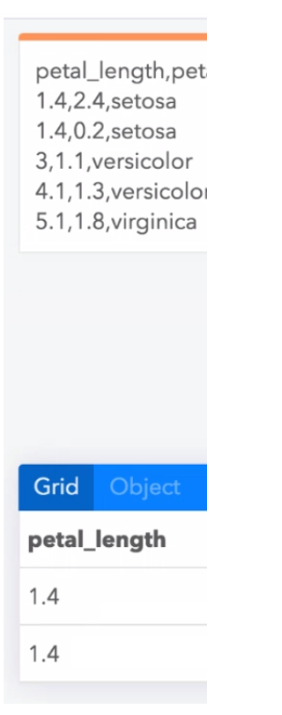
- Example Scenario
- Bidirectional editing of data in source and derived views
- Code that renders model data to view can is often non-linear
- Transformations that allow to propagate edits back from the UI into the source data cannot be derived
- Code:
- ```parse_csv(read_text(‘iris.csv’).split(‘\n’)).filter( ea => ea.species == ‘setosa’)```
0
- Demo:
- Editing the resulting table will reflect the contents of the csv
- Idea
- Non-linear constraint solving allows for automatically adjusting the source data until it produces the required output
- Backtracking, Hill climbing, Constraints, DataFlow
- Goal: Discuss and implement scenario and idea
- Examples
- Carbide
- a) Data (CHANGE) -> Code (Non-linear function) -> UI (Table) (RESULT) #Standart
- b) Data -> Code (Non-linear function) (CHANGE) -> UI (Table) (RESULT) #LiveProgrammingsheet
- d) Data (DELTA EFFECT) -> Code (Non-linear function) -> UI (Table) (CHANGE)
- e) Data -> Code (Non-linear function) (DELTA EFFECT) -> UI (Table) (CHANGE)
- idea: mark code and data "region" that can be adapted for backpropagation
## Table
| A | | B | Foo | D | E |
|---|
| | | | | |
| First | | Second | Third | Fourth | |
| Hello | | World | sfasdf | asdfdfa | |
| Foo | | Bar | | | |
## Editor