<!-- markdown-config presentation=true -->
<link rel="stylesheet" type="text/css" href="./style.css"  />


<div class="title">
  PRINT Test
</div>

<div class="authors">
  Mister X
</div>

<div class="credentials">
  Trying to reproduce print error when printing 2019-11-06_project_begin.md<br>

</div>

---


It's not the pictures

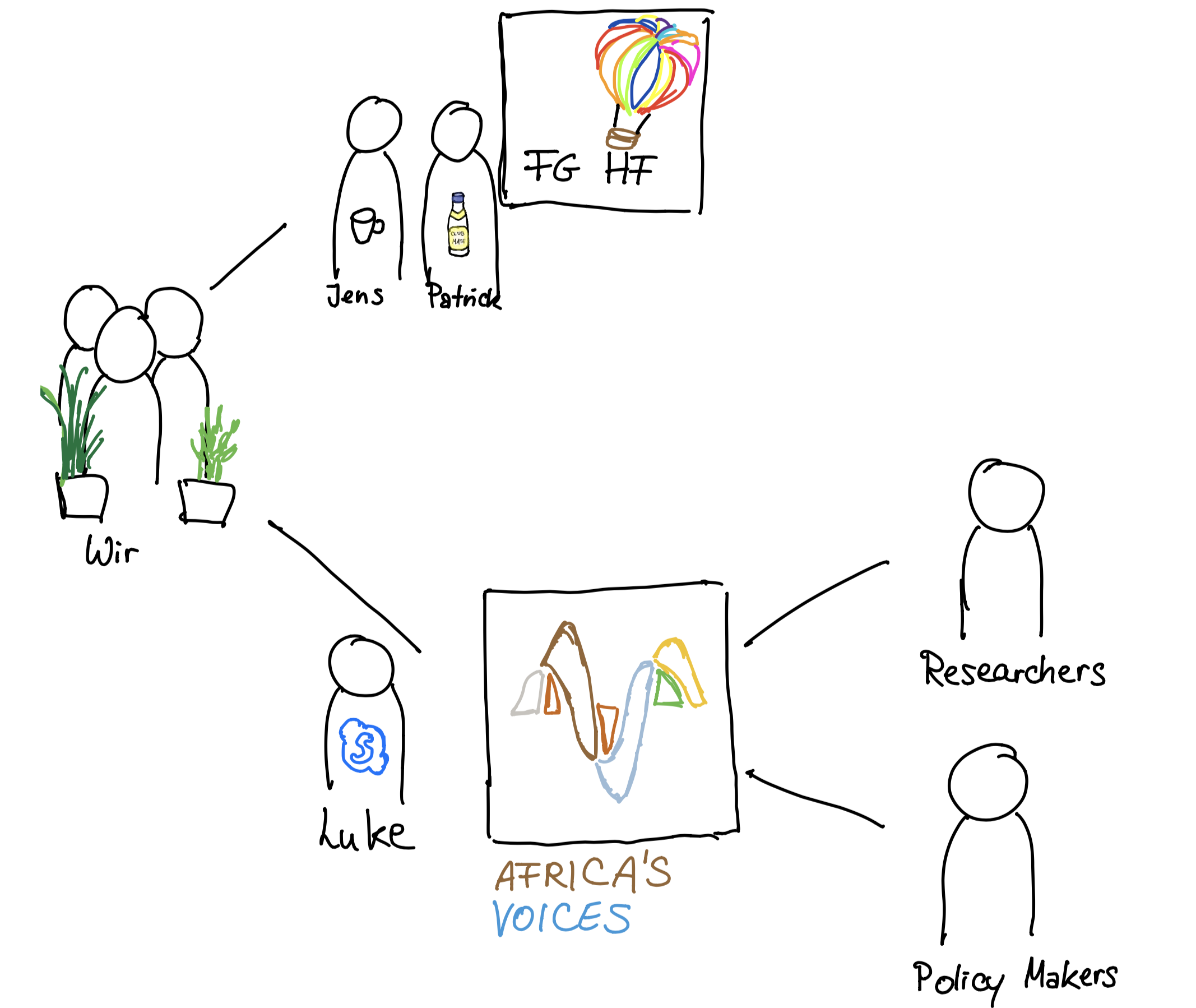
![](pictures/stakeholders.png){width="700" height="500"}

---

It's not a link

[More Infos](https://www.africasvoices.org/)

---

It's not a css styling

<style>
.playfield {
  position: relative;
  width: 300px;
  height: 200px;
  background-color: lightGray;
  border-color: black;
}

.ball {
  border-radius: 50%;
  width: 10px;
  height: 10px;
  background-color: Red;
  border-color: black;
}

.paddle {
  width: 5px;
  height: 50px;
  background-color: Purple;
}

.scoreBoard {
  width: 50px;
  height: 20px;
  background-color: lightGreen;
  text-align: center;
}

/*-----------------------*/

.AtomWorld {
  position: relative;
  width: 300px;
  height: 200px;
  background-color: lightgray;
}

.atom {
  background-color: red;
  width: 10px;
  height: 10px;
  border-radius: 5px;
}

/*-----------------------*/

.world {
  position: relative;
  width: 300px;
  height: 200px;
  background-color: white;
  border-left: 2px solid black;
  border-bottom: 2px solid black;
}

.bubble {
  border-radius: 50%;
  width: 20px;
  height: 20px;
  background-color: Red;
  border: 1px solid black;
  opacity: 0.7;
}

.bubble .tooltiptext {
  visibility: hidden;
  width: 180px;
  background-color: black;
  color: #fff;
  text-align: center;
  border-radius: 6px;
  padding: 5px 0;
  display:block;

  /* Position the tooltip */
  position: relative;
  top: -25px;
  left: 30px;
  z-index: -5;
  
  /* Style the tooltip */
  font-size: 12px;
  
}

.bubble:hover .tooltiptext {
  visibility: visible;
}

.world:hover .bubble {
  opacity: 0.1;
}

.world .bubble:hover {
  opacity: 0.6;
}

.xDash {
  width: 2px;
  height: 10px;
  background-color: black;
}

.yDash {
  width: 10px;
  height: 2px;
  background-color: black;
}

.xTag {
  width: 30px;
  text-align: center;
  font-size: 12px;
}

.yTag {
  width: 50px;
  text-align: right;
  font-size: 12px;
}

.input {
  width: 100%;
}

/*-----------------------*/

.tmp {
  position: relative;
  width: 300px;
  height: 200px;
  background-color: lightGray;
  border-color: black;
}


</style>

---

Is it the scripting?

<div class="playfield" id="playfield"></div> | <div class="AtomWorld" id="atomWorld"></div>
---- | ----
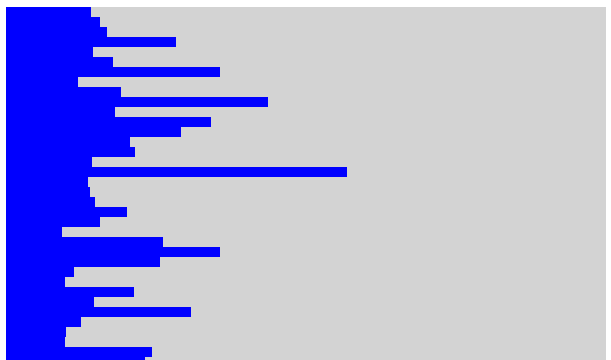
<div class="world" id="world"></div> | <img src="./pictures/barChart.png" width="300" height="200">
<div id="inputYMax">Y Max: </div> | 
<div id="inputYMin">Y Min: </div> | 

<script>
import {Game} from "../../scratch/pong.js";
import {pt} from "src/client/graphics.js"

// declarations for pong

let playfield = lively.query(this, "#playfield");
let ball = <div class="ball" id="ball"></div>;
let paddleLeft = <div class="paddle" id="paddleLeft"></div>;
let paddleRight = <div class="paddle" id="paddleRight"></div>;
let scoreBoard = <div class="scoreBoard" id="scoreBoard"></div>;
let game = new Game(playfield, ball, [paddleLeft, paddleRight], scoreBoard, this.parentElement);

// game loop pong

(async () => {
  while(lively.isInBody(playfield)) {
    game.step();
    await lively.sleep(10);
  }
})();

//atoms

(async () => {

  let movementVector = lively.pt(1, 0)
  let atomWorld = lively.query(this, "#atomWorld")
  let atomWorldWidth = lively.getExtent(atomWorld).x
  let atomWorldHeight = lively.getExtent(atomWorld).y
    
  let atom = <div class="atom"></div>
  atomWorld.appendChild(atom)
  lively.setPosition(atom, lively.pt(0,0))
  let atomSize = lively.getExtent(atom).x

  let i = 0
  let j = 0
  let direction = 1
  
  let setDirectionButton = <button click={() => {direction *= -1; movementVector = movementVector.negated()} }>Buuuuuuuh!</button>
  atomWorld.appendChild(setDirectionButton)
  lively.setPosition(setDirectionButton, lively.pt(atomWorldWidth, 0))
  
  while (lively.isInBody(atom)) {
  
    lively.setPosition(atom, lively.pt(i += movementVector.x, j += movementVector.y))
    
    if (i > atomWorldWidth - atomSize || j > atomWorldHeight - atomSize || i < 0 || j < 0) {
      movementVector = lively.pt(movementVector.y * direction, -1 * movementVector.x * direction)
    }
      
    await lively.sleep(10)
  }
})()

//bubbleChart

let world = lively.query(this, "#world");
let worldWidth = lively.getExtent(world).x;
let worldHeight = lively.getExtent(world).y;


let X_MAX = 50000;
const X_MIN = 0;
let Y_MAX = 90;
let Y_MIN = 35;
const NUMBER_DASHES = 8;
const URL = 'https://raw.githubusercontent.com/holtzy/data_to_viz/master/Example_dataset/4_ThreeNum.csv'

let inputDivYMin = lively.query(this, "#inputYMin");
let inputDivYMax = lively.query(this, "#inputYMax");
let inputYMax = <input type="number"/>;
let inputYMin = <input type="number"/>;

let continent_color = {
  "Asia": "red",
  "Europe": "yellow",
  "Americas": "green",
  "Africa": "blue",
  "Oceania": "gray",
}

inputYMax.addEventListener("keydown", (event) => {
  if(event.key === 'Enter') {
    Y_MAX = parseInt(inputYMax.value);
    fetchDataDraw(URL, world);
  }
});

inputYMin.addEventListener("keydown", (event) => {
  if(event.key === 'Enter') {
    Y_MIN = parseInt(inputYMin.value);
    fetchDataDraw(URL, world);
  }
});

inputDivYMax.appendChild(inputYMax);
inputDivYMin.appendChild(inputYMin);

fetchDataDraw(URL, world);

function createXDash(world, i) {
  let xDash = <div class="xDash"></div>;
  world.appendChild(xDash);
  
  let xPos = i * (worldWidth / NUMBER_DASHES);
  let yPos = worldHeight - lively.getExtent(xDash).y / 2;
  
  lively.setPosition(xDash, lively.pt(xPos, yPos));
}

function createYDash(world, i) {
  let yDash = <div class="yDash"></div>;
  world.appendChild(yDash);
  
  let xPos = 0 - lively.getExtent(yDash).x / 2;
  let yPos = i * worldHeight / NUMBER_DASHES;
  
  lively.setPosition(yDash, lively.pt(xPos, yPos));
}

function createXTag(world, i) {
  let xTag = <div class="xTag"> </div>;
  xTag.textContent =  calculateValueX(i * (worldWidth / NUMBER_DASHES), X_MAX, worldWidth, NUMBER_DASHES);
  world.appendChild(xTag);
  
  let xPos = i * worldWidth / NUMBER_DASHES - lively.getExtent(xTag).x / 2;
  let yPos = worldHeight + lively.getExtent(xTag).y / 2;
  
  lively.setPosition(xTag, lively.pt(xPos, yPos));
}

function createYTag(world, i) {
  let yTag = <div class="yTag"> </div>;
  yTag.textContent =  Y_MIN + i * ((Y_MAX - Y_MIN) / NUMBER_DASHES);
  world.appendChild(yTag);
  
  let xPos = 0 - 1.25 * lively.getExtent(yTag).x;
  let yPos = worldHeight - i * worldHeight / NUMBER_DASHES - lively.getExtent(yTag).y / 2;
  
  lively.setPosition(yTag, lively.pt(xPos, yPos));
}

async function fetchDataDraw(url, world) {
  let bubbles = await fetchData('https://raw.githubusercontent.com/holtzy/data_to_viz/master/Example_dataset/4_ThreeNum.csv');
  removeAllChildren(world)
  drawCoordSystem(world)
  drawBubbles(bubbles)
}

function drawCoordSystem(world) {
  for (let i = 0; i < NUMBER_DASHES + 1; i++) {
    createXDash(world, i);
    createXTag(world, i);
    createYDash(world, i);
    createYTag(world, i);
  }
}

function drawBubbles(bubbles) {
  for (let country of bubbles) {
    let x = parseFloat(country.gdpPercap);
    let y = parseFloat(country.lifeExp);
    
    if (x > X_MAX || x < X_MIN || y > Y_MAX || y < Y_MIN) {
      continue;
    }
    
    let tooltip = <span class="tooltiptext"></span>;
    let bubble = <div class="bubble" id="bubble"></div>;
    
    let bubblePopCount = calculateRadius(parseInt(country.population), 0.005);
    let bubbleExtent = {"x": bubblePopCount, "y": bubblePopCount};
    
    let new_pt = toCorrectCoords(lively.pt(x, y), bubbleExtent);
    
    tooltip.innerHTML = generateTooltipText(country);
    bubble.appendChild(tooltip);
    
    lively.setPosition(bubble, new_pt);
    lively.setExtent(bubble, bubbleExtent);
    bubble.style.backgroundColor = continent_color[country["continent"]]
    world.appendChild(bubble); 
  }
}

function removeAllChildren(parentNode) {
  while (parentNode.firstChild) {
    parentNode.removeChild(parentNode.firstChild);
  }
}

function generateTooltipText(country) {
  let tooltipText = "";
  
  tooltipText += "<b>" + country.country + "</b> <br>";
  tooltipText += "GDP p capita $: " + parseFloat(country.gdpPercap).toFixed(3) + "<br>";
  tooltipText += "Life Exp in years: " + parseFloat(country.lifeExp).toFixed(1) + "<br>";
  tooltipText += "Population in Mio: " + (parseInt(country.population) / 1000000).toFixed(2);
  
  return tooltipText;
}

function toCorrectCoords(point, extent) {

  //invert y-coords
  point.y = worldHeight - (point.y - Y_MIN) * worldHeight / (Y_MAX - Y_MIN);
  //point.x = (point.x - X_MIN) * worldWidth / (X_MAX - X_MIN);
  point.x = calculateWorldX(point.x, X_MAX, worldWidth, NUMBER_DASHES);
  //point.x = calculateLogWorldX(point.x, X_MAX, worldWidth);
  
  //set center of bubble on point
  
  point.x -= extent.x / 2;
  point.y -= extent.y / 2;
  return point;Ô
}

function calculateRadius(population, factor) {
  return Math.sqrt(population / Math.PI) * factor
}

function calculateLogValueX(worldX, xMax, worldWidth) {
  let valueX = Math.pow(2, worldX / worldWidth * Math.log2(xMax));
  return parseInt(valueX);
}


function calculateLogWorldX(valueX, xMax, worldWidth) {
  let worldX = Math.log2(valueX) / Math.log2(xMax) * worldWidth;
  return worldX;
} 

function calculateValueX(worldX, xMax, worldWidth, numberDashes) {
  let stepSize = worldWidth / numberDashes;
  let valueX = 125 * Math.pow(2, worldX/ stepSize + 1);
  return parseInt(valueX);
}

function calculateWorldX(valueX, xMax, worldWidth, numberDashes) {
  let worldX = (worldWidth / numberDashes) * Math.log2(valueX / 250);
  return parseInt(worldX);
}

async function fetchData(url) {
  const response = await fetch(url);
  const myCSV = await response.text();
  return processData(myCSV);
}

function processData(allText) {
    allText = allText.replace(/['"]+/g, '');
    var record_num = 5;  // or however many elements there are in each row
    var allTextLines = allText.split(/\r\n|\n/);
    var entries = allTextLines[0].split(',');
    
    var lines = [];

    var headings = entries.splice(0,record_num);
    headings[3] = "population";
    allTextLines.shift();
    
    while (allTextLines.length > 1) {
        var cur = allTextLines.shift().split(',');
        var curObject = {};
        for (var j=0; j<record_num; j++) {
            curObject[headings[j]] = cur.shift();
        }
        lines.push(curObject);
    }
    return lines;
}

""
</script>

yes it is!