<!-- markdown-config presentation=true -->

<!-- #TODO make style links in container content relative to url -->
<!-- <link rel="stylesheet" type="text/css" href="style.css" /> -->
<link rel="stylesheet" type="text/css" href="doc/PX2018/style.css"  />
<link rel="stylesheet" type="text/css" href="src/client/lively.css"  />
<link rel="stylesheet" type="text/css" href="templates/livelystyle.css"  />

<style>
  .lively-slide {
    border: 1px solid rgb(220,220,220)
    page-break-before: always;
/*     border: 2px solid red
 */
  }
  p {
    font-size: 18pt
  }
  @media print {
    .lively-slide {
      page-break-before: always;
      border: 0px solid white;
/*       border: 2px solid blue; */
    }      
  }
  
</style>

<div class="title">
  PX 2018: Graph Drawing
</div>

<div class="authors">
  Theresa Zobel, Siegfried Horschig
</div>

<div class="credentials">
  Software Architecture Group <br>Hasso Plattner Institute<br> University of Potsdam, Germany
</div>

<script>
  var button = document.createElement("button")
  button.textContent = "print"
  button.onclick = async () => {
   var presentation = lively.query(this, "lively-presentation")
   presentation.print()
  }
  button.style = "position: absolute; bottom: 10px; left: 10px"
  button
</script>


--- 

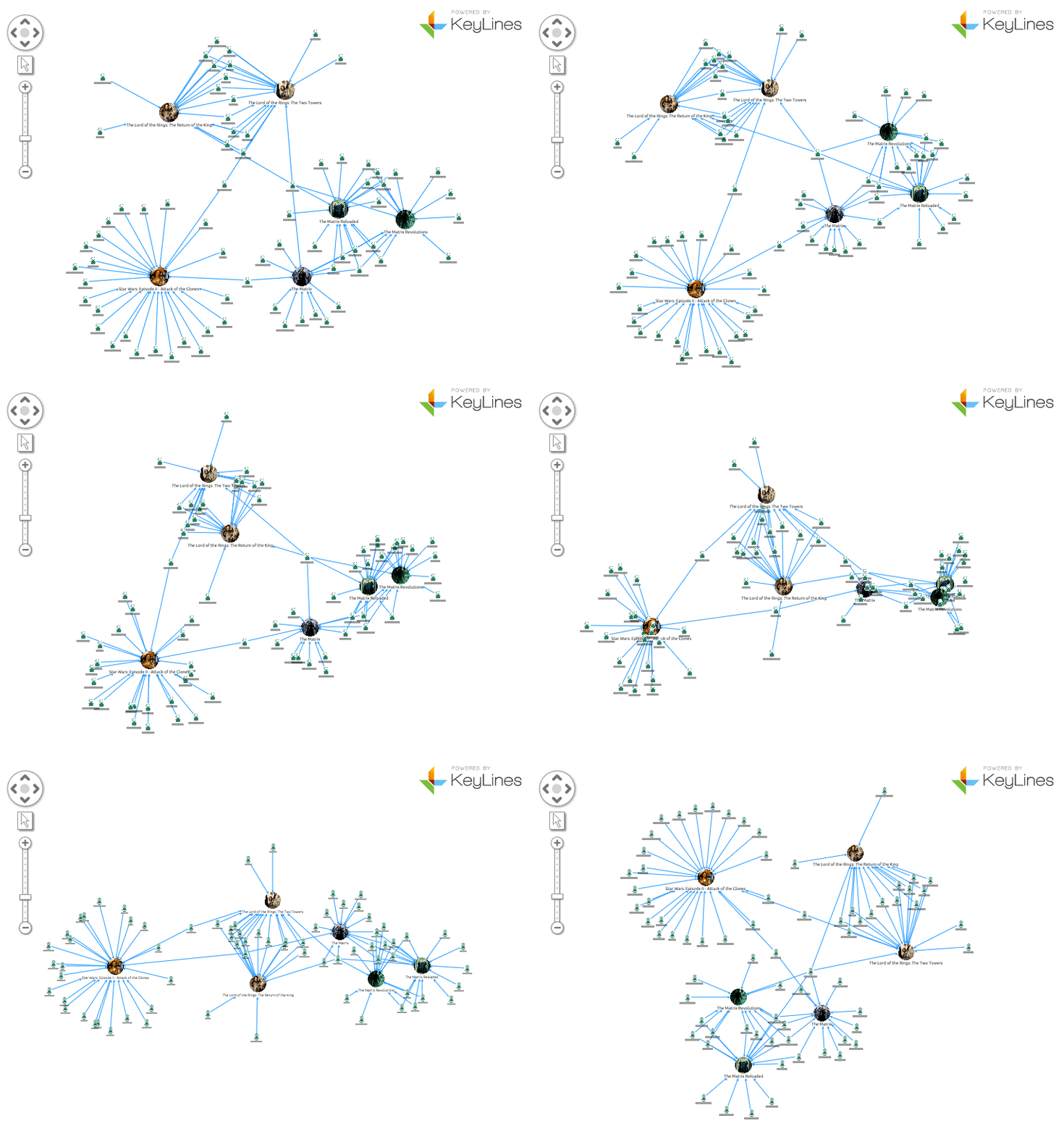
# Problem

<img src="./img/standard-layout-1.gif">

--- 

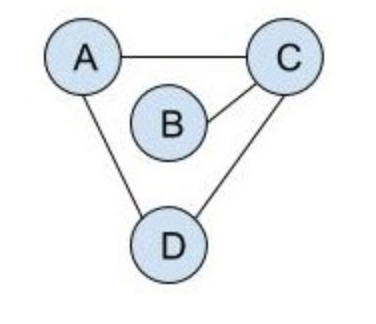
# Graph Drawing - Key Challenges

<style type="text/css">
.tg  {border-collapse:collapse;border-spacing:0;}
.tg .tg-2tx9{border-color:#ffffff}
td li {font-size: 18pt; margin-bottom: 50px; margin-top: 30px;}
</style>
<table class="tg">
  <tr>
    <td class="tg-2tx9"><li>Low number of crossings</li></td>
    <td class="tg-2tx9" rowspan="2">
      <img src="./img/graph_drawing2.png" style="width:350px">
    </td>
  </tr>
  <tr>
  <td class="tg-2tx9"><li>Small area</li></td>
  </tr>
  <tr>
  <td class="tg-2tx9"><li>Short edges</li></td>
    <td class="tg-2tx9" rowspan="1">
      <img src="./img/graph_drawing1.png" style="width:150px">
    </td>
  </tr>
</table>


--- 

# Layout Methods

<style type="text/css">
.tg  {border-collapse:collapse;border-spacing:0;}
.tg .tg-2tx9{border-color:#ffffff}
td li {font-size: 18pt; margin-bottom: 50px; margin-top: 30px;}
.nomargin {margin-bottom: 0px; margin-top: 0px}
</style>
<table class="tg">
  <tr>
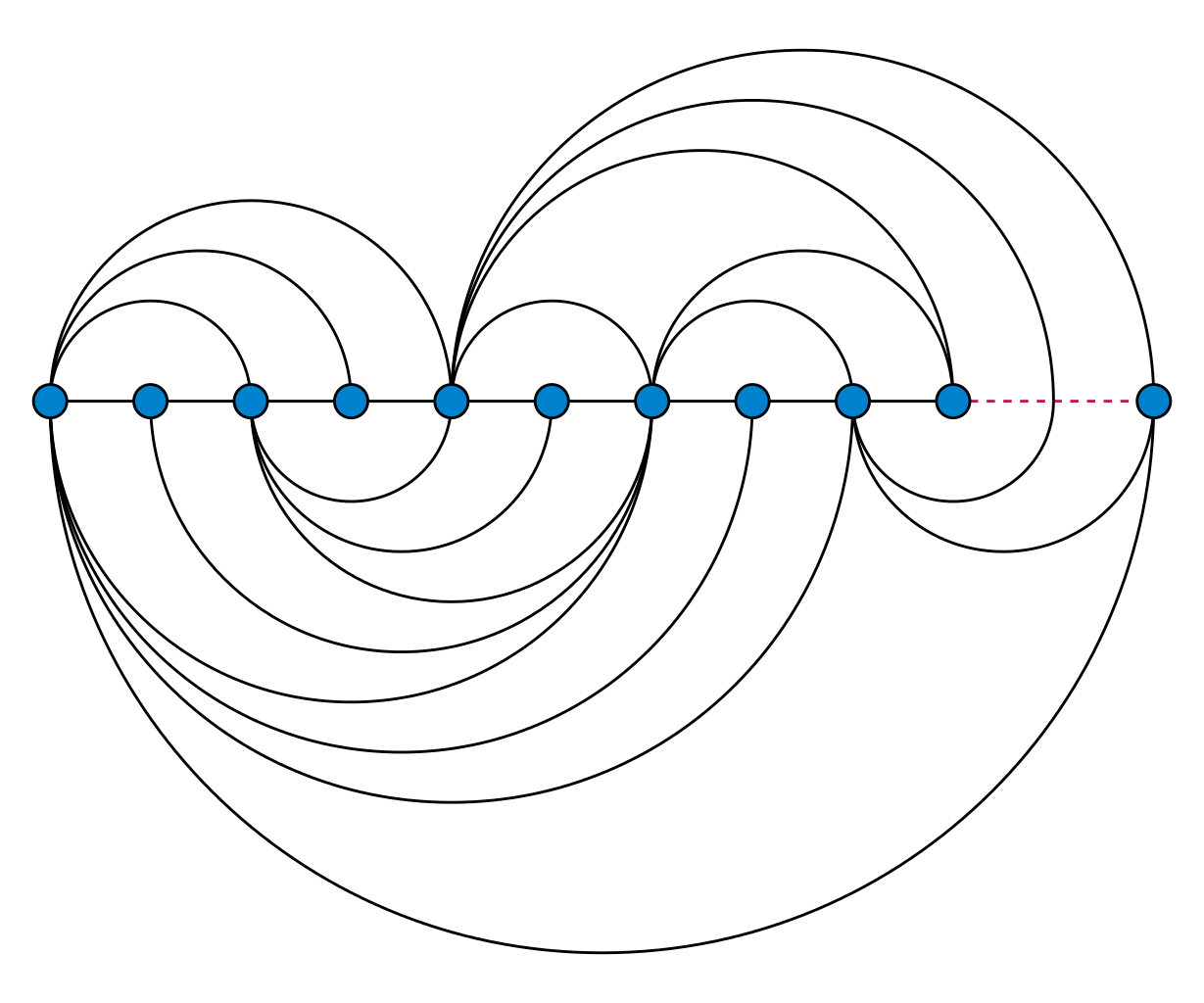
    <td class="tg-2tx9"><li>Arc Layout</li></td>
    <td class="tg-2tx9" rowspan="1">
      <img style="max-height: 150px" src="./img/arc_diagram.png">
    </td>
  </tr>
  <tr>
    <td class="tg-2tx9">
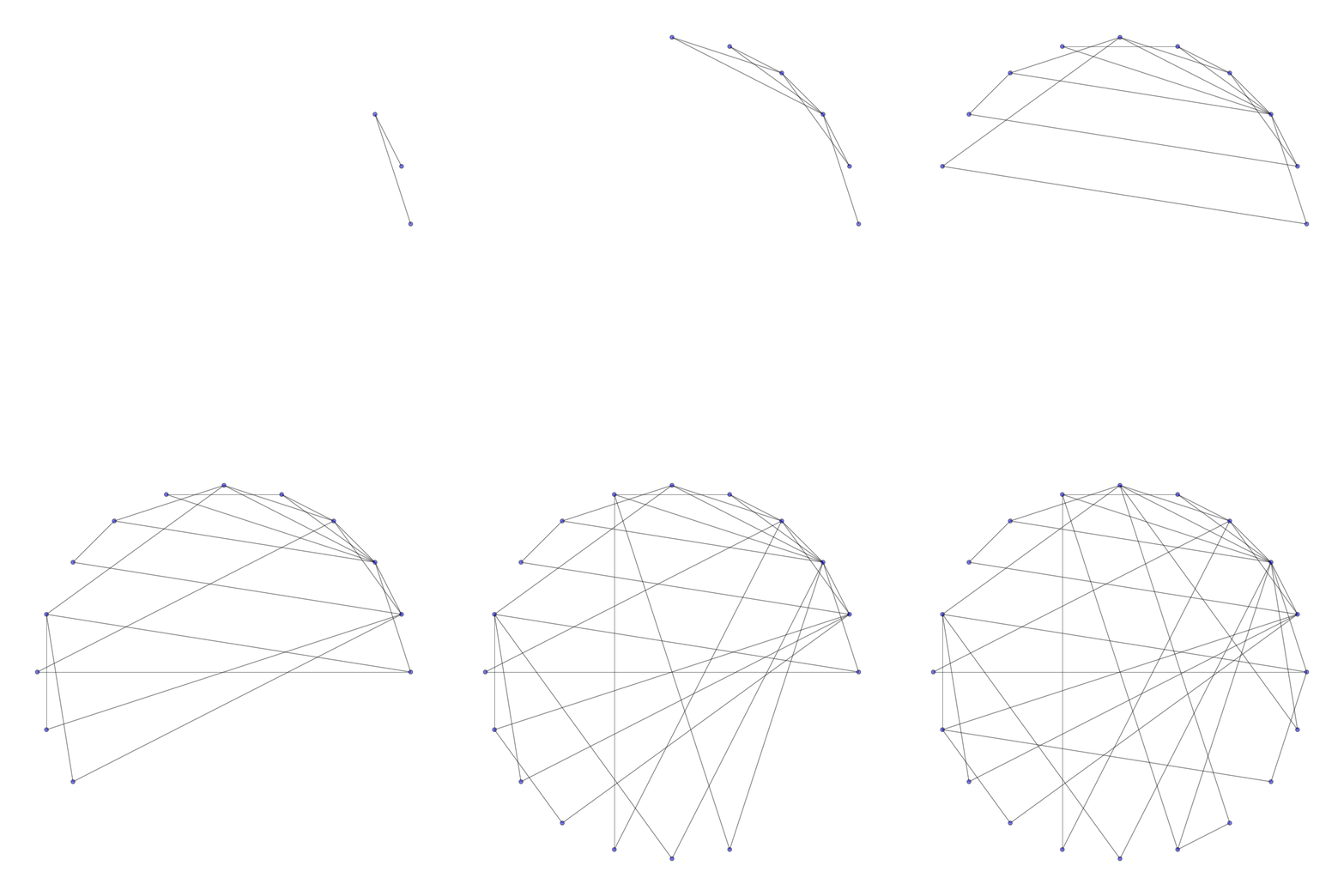
      <li style="margin-bottom: 50px;">Circle Layout</li>
      <li>Force-directed Layouts</li>
      <li>Energy-minimizing simulations (Simulated Annealing)</li>
    </td>
    <td class="tg-2tx9 nomargin" rowspan="1">  
      <img style="max-height: 200px" src="./img/Barabasi_Albert_model.gif">
    </td>
  </tr>
</table>


<span style="font-size: 8pt;
    position: fixed;
    bottom: 0;
    width: 100%;"> source: commons.wikimedia.org</span>

--- 

# Force-directed Layouts - Demo

<div style="position: relative; width:500px; height:500px">
  <lively-px18-force-layout style="position: absolute; width:500px; height:500px"></lively-px18-force-layout>
</div>

--- 

# Force-directed Layouts - Evaluation

### Advantages:

* Good quality

* Flexible

* Interactive

### Disadvantages:

* Can lead to jittering

* Poor local minima

---

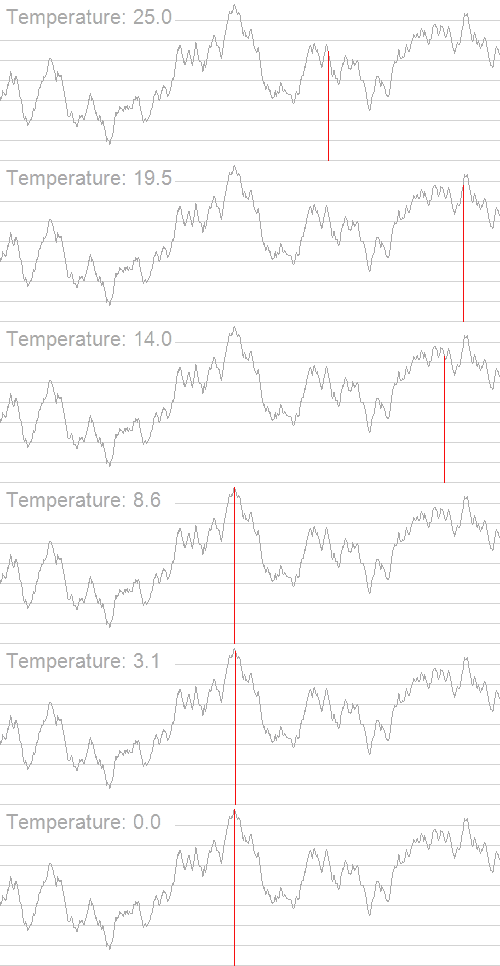
# Simulated Annealing

* Attempts to find global optimum

* Energy function to determine fitness of solutions

* "Annealing" Principle:
  * Initial high "Temperature" value, decreasing with time
  * Alters solution (switches to neighbouring solution) if:
    * Neighbouring solution has a lower energy or
    * Neighbouring solution has a higher energy and the temperature is high
    
<img style="max-height: 100px" src="./img/Hill_Climbing_with_Simulated_Annealing.gif">

---

# Next Steps

* Demo for simulated annealing

* Extend force-directed approach from d3.js with simulated annealing


<!-- #TODO pull this up into presentation? -->
<script>
// poor men's slide master
var presentation = lively.query(this, "lively-presentation")
if (presentation && presentation.slides) {
  presentation.slides().forEach(ea => {
    var img = document.createElement("img")
    img.classList.add("logo")
    img.src="https://lively-kernel.org/lively4/lively4-jens/doc/PX2018/media/hpi_logo.png" 
    img.setAttribute("width", "50px")
    ea.appendChild(img)

    var div = document.createElement("div")
    div.classList.add("page-number")
    ea.appendChild(div)
  });
}
""
</script>