# Project 3 - Petrinet Simulator
Contributors: Linus Heinzl and Anne Radunski
[presentation](presentation/presentation.md) | [documentation](documentation/documentation.md) | [demo](demo/ScreencastNew.mp4)
## Abstract
The Petrinet Simulator is a software tool for the simulation and design of discrete-event systems based on petrinet models. The petrinet is a common method for modelling concurrency and synchronisation in distributed systems. It consists of places, tokens, connectors and transitions. Probabilities can be assigned to conflicting transitions. We implemented 2 types of petrinet models: classic petrinet and the high-level petrinet.
Users can draw, store, edit and delete petrinet models, as well as start the procedures for simulation and debugging. Using our debugging tools, the user is able to change the petrinet iteratively until it works. With a code transition, the end user can set custom rules for transitions. This is also useful for the high-level petrinet. Thus, the user is able to model attributes with colored tokens.

## Documentation
See our [documentation](documentation/documentation.md) for examples on the types of petrinets we can build and instructions on how to build them (+ some small challenges for you so that you learn how to use our petrinet editor as well :D)
- [lively-petrinet-editor.html](browse://src/components/demo/lively-petrinet-editor.html) [js](browse://src/components/demo/lively-petrinet-editor.js)
- Our main program.
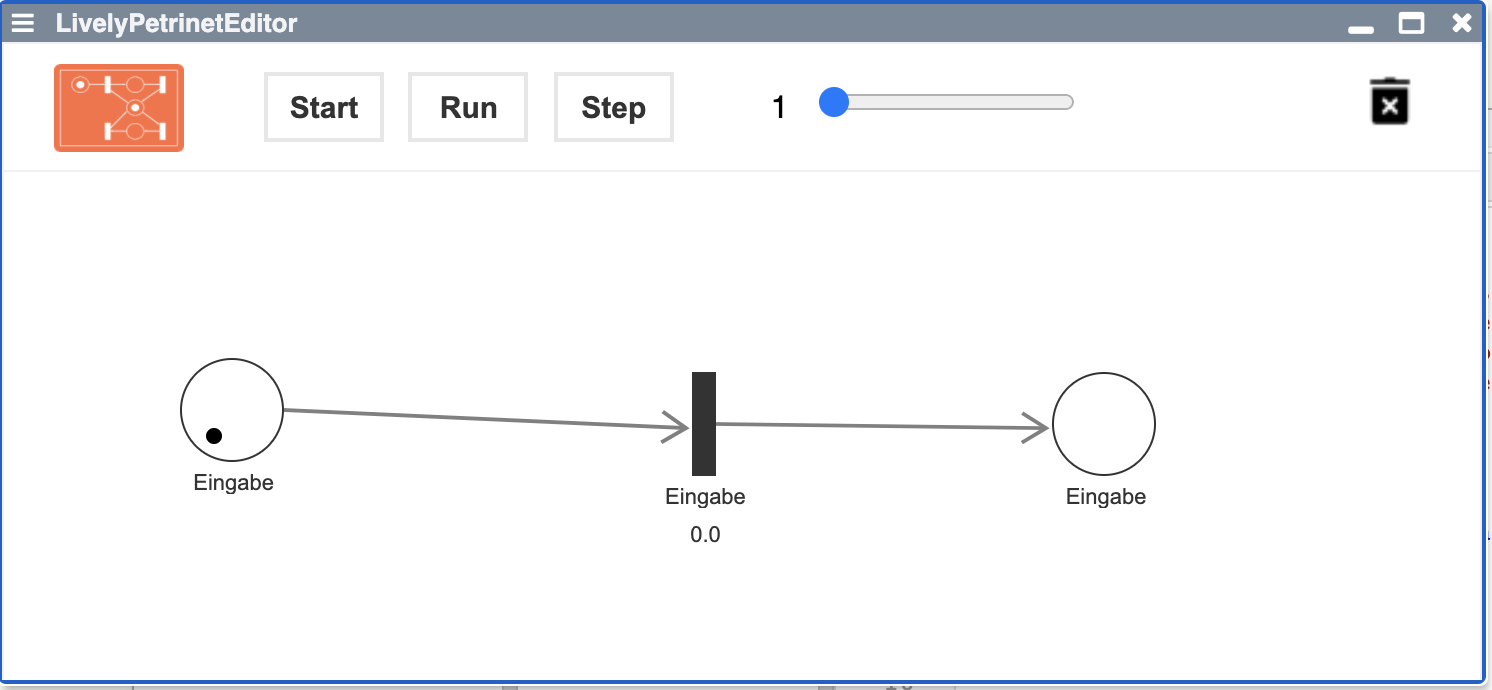
- [lively-petrinet-toolbar.html](browse://src/components/demo/lively-petrinet-toolbar.html) [js](browse://src/components/demo/lively-petrinet-toolbar.js)
- The toolbar that contains controls for the simulation and for deleting elements.

- [lively-petrinet.html](browse://src/components/demo/lively-petrinet.html) [js](browse://src/components/demo/lively-petrinet.js)
- Contains the petrinet and information about which elements (places/connectors/transitions/tokens) it contains.
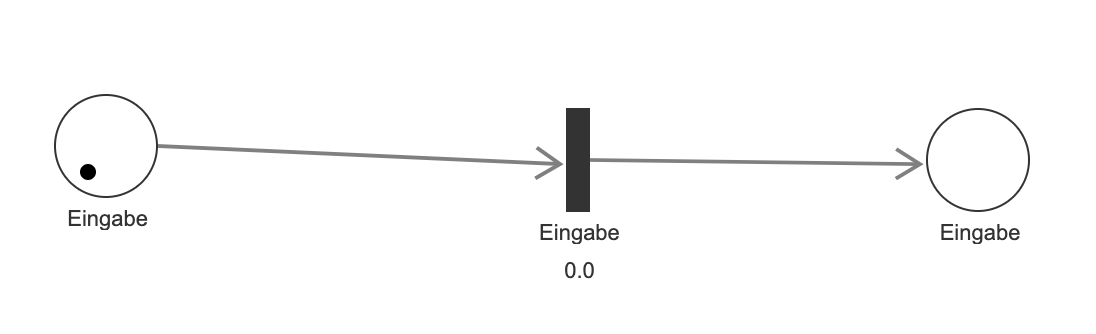
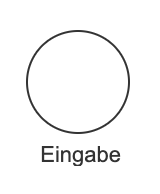
- [lively-petrinet-place.html](browse://src/components/demo/lively-petrinet-place.html) [js](browse://src/components/demo/lively-petrinet-place.js)
- The place of a petrinet. Places are able to store tokens.
- [lively-petrinet-token.html](browse://src/components/demo/lively-petrinet-token.html) [js](browse://src/components/demo/lively-petrinet-token.js)
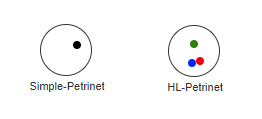
- The token. There are normal, black tokens, and coloured tokens. Coloured tokens can be used to model entities that are different to each other. Coloured tokens can only be used together with code transitions, since only with code transitions the user is able to model logic dependant on the token's colour.
- [lively-petrinet-prob-transition.html](browse://src/components/demo/lively-petrinet-prob-transition.html) [js](browse://src/components/demo/lively-petrinet-prob-transition.js)
- The transition transfers the token between places. The probability means the following: If each of the places before the transition has at least one token, the transition fires with the probability input by the user. The probability has a range of [0,1].

- [lively-petrinet-edge.html](browse://src/components/demo/lively-petrinet-edge.html) [js](browse://src/components/demo/lively-petrinet-edge.js)
- The connector that connects places and transitions to each other.
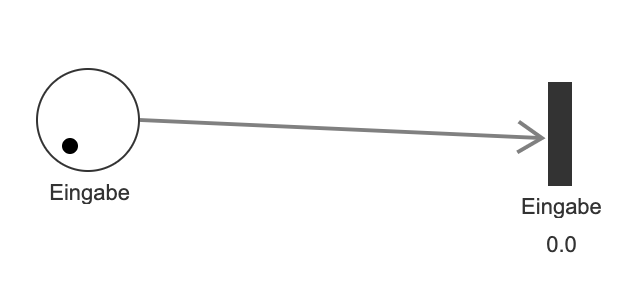
- [lively-petrinet-code-transition.html ](browse://src/components/demo/lively-petrinet-code-transition.html)[js](browse://src/components/demo/lively-petrinet-code-transition.js)
- Used for custom behaviour. With the code transition, the end user can control under what condition it fires, which tokens it takes from a place, and which tokens it adds to a place.

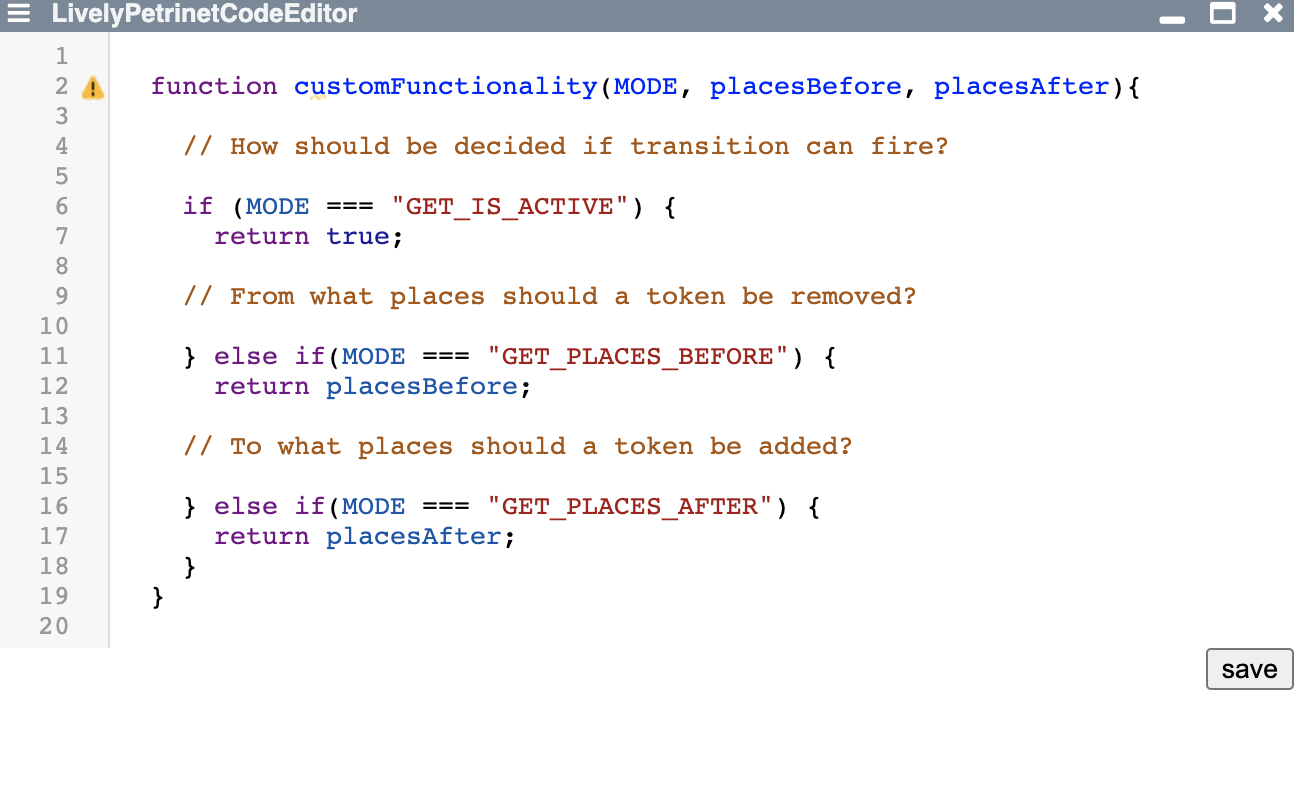
- [lively-petrinet-code-editor.html](browse://src/components/demo/lively-petrinet-code-editor.html) [js](browse://src/components/demo/lively-petrinet-code-editor.js)
- Used for the code transition. Code transition opens this editor and end user writes the code in it.
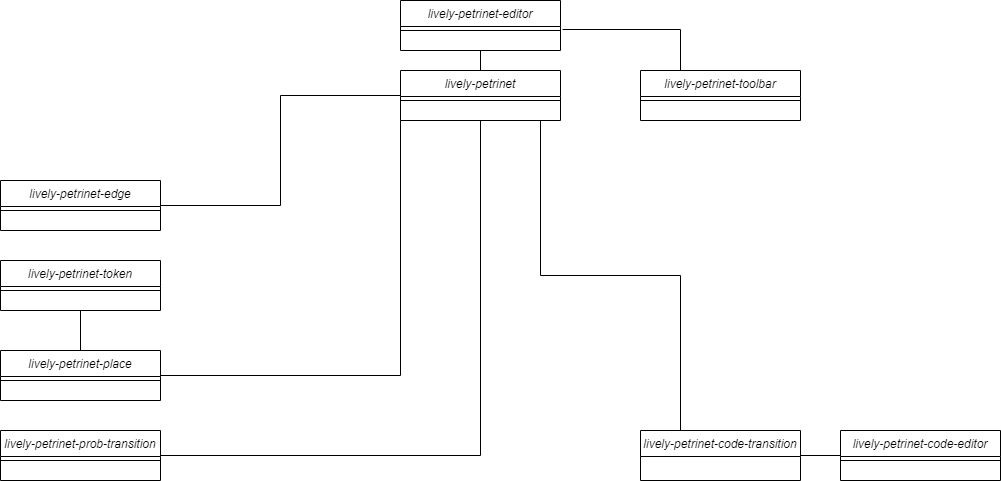
### Architecture
Our main program is in the "lively-petrinet-editor" component. It posseses a petrinet and a toolbar. The petrinet contains all the important components for petrinets(place/transition/connector, etc)