Jens Lincke, Stefan Ramson, Robert Hirschfeld (Software Architecture Group)
---
# Agenda
---
# Lively4
- Interactive
- Live
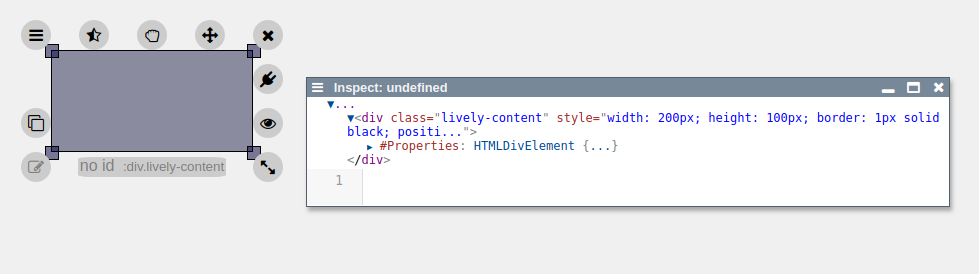
- Halos
---
# Fabrik
- 1988
---
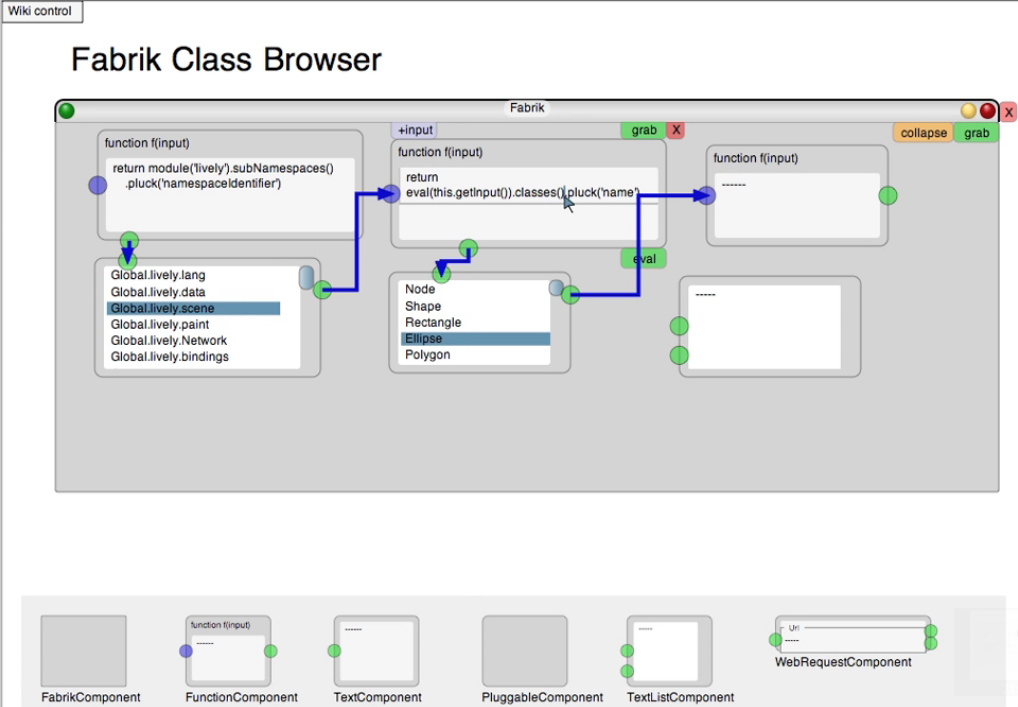
# Lively Fabrik Browser
---
# Lively Connectors
- https://lively-web.org/
---
# Lively Connectors
---
# Lively Connectors
---
# Lively Connectors
---
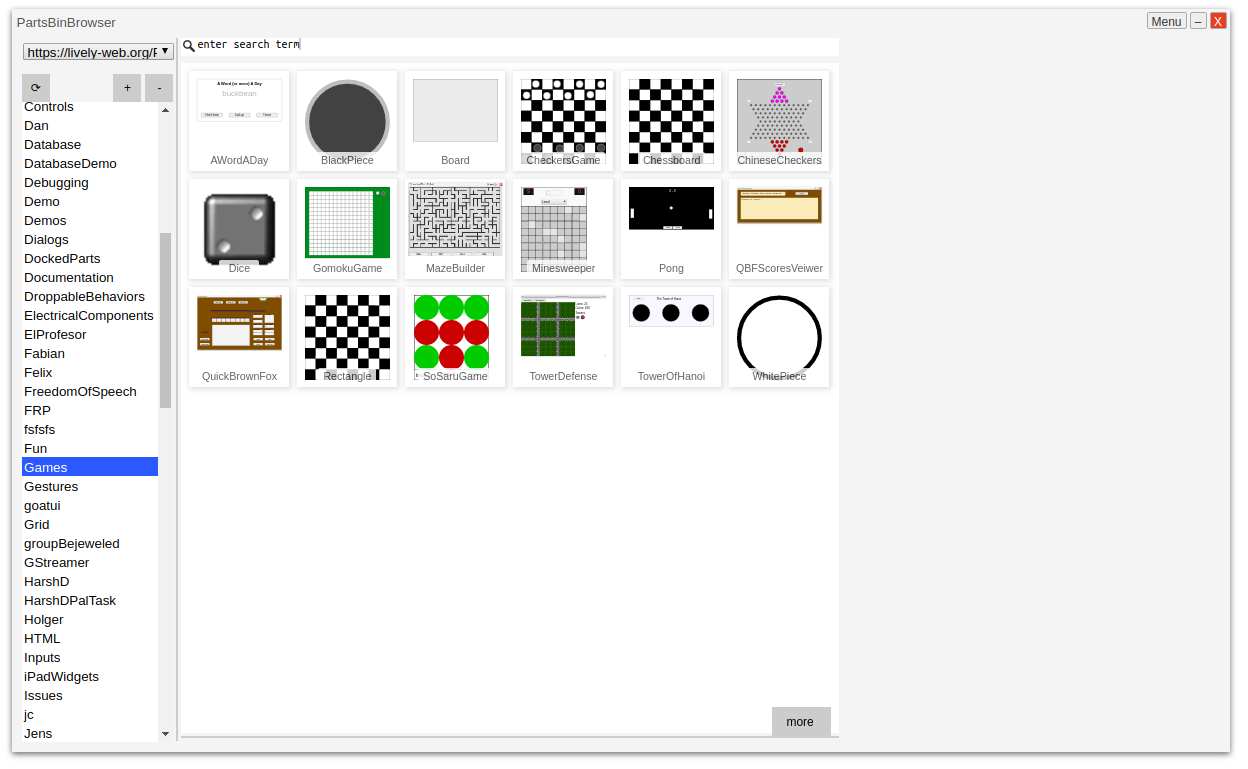
# Lively PartsBin
---
# Concepts
- Objects in world / morphs
- Source
- Target
- Their respective properties
- "Combine widgets into bigger widget"
- Connection
- Connects source and target
- Reactive
- Drawable/Debuggable?
- Connection hub / editor
---
# Lively4 Connectors
## Add a way to create connections in Lively4
- Add connector ui element into domain (= halos)
- Selecting source, target, and their properties
- Editing/Deleting connections
- Debugging/Visualizing connections
- Save new widgets (PartsBin?)
---
# Lively4 Connectors
## Reactive?
- Dataflows, user interaction, visual
- Active Expressions
- Events
---
# Demo
42
---
# Current state
- New Connectors Halo item
- Selecting source and target as well as their properties
- First Connections work
---
# Next Steps
- Improved connection creation
- Whitelist (or similiar) of often used and available properties
- Improved custom properties/connections
- Connection hub (with connection editing / removing)
- More connection debugging (e.g. visualizations)
- PartsBin
---
 ---
# Fabrik
---
# Fabrik
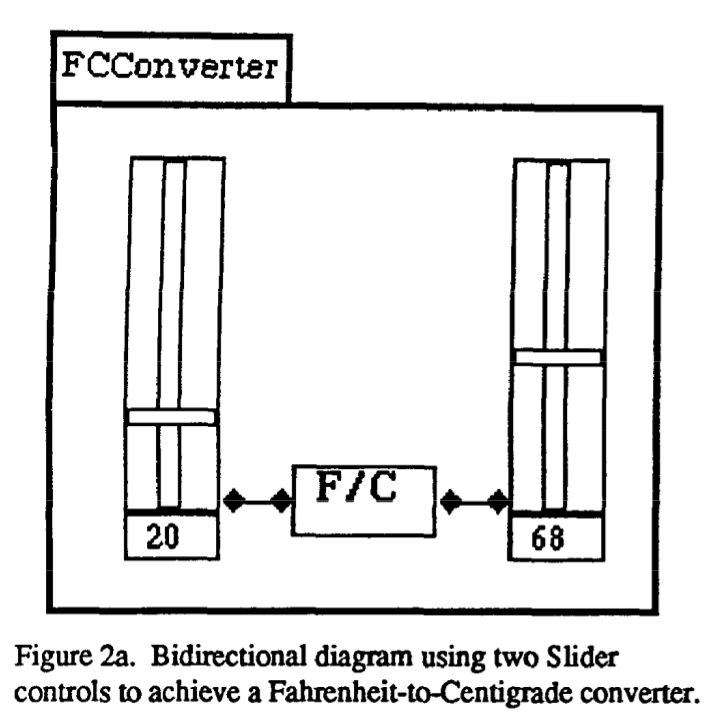 - 1988
---
# Lively Fabrik Browser
- 1988
---
# Lively Fabrik Browser
 ---
# Lively Connectors
- https://lively-web.org/
---
# Lively Connectors
---
# Lively Connectors
---
# Lively Connectors
---
# Lively PartsBin
---
# Lively Connectors
- https://lively-web.org/
---
# Lively Connectors
---
# Lively Connectors
---
# Lively Connectors
---
# Lively PartsBin
 ---
# Concepts
- Objects in world / morphs
- Source
- Target
- Their respective properties
- "Combine widgets into bigger widget"
- Connection
- Connects source and target
- Reactive
- Drawable/Debuggable?
- Connection hub / editor
---
# Lively4 Connectors
## Add a way to create connections in Lively4
- Add connector ui element into domain (= halos)
- Selecting source, target, and their properties
- Editing/Deleting connections
- Debugging/Visualizing connections
- Save new widgets (PartsBin?)
---
# Lively4 Connectors
## Reactive?
- Dataflows, user interaction, visual
- Active Expressions
- Events
---
# Demo
---
# Concepts
- Objects in world / morphs
- Source
- Target
- Their respective properties
- "Combine widgets into bigger widget"
- Connection
- Connects source and target
- Reactive
- Drawable/Debuggable?
- Connection hub / editor
---
# Lively4 Connectors
## Add a way to create connections in Lively4
- Add connector ui element into domain (= halos)
- Selecting source, target, and their properties
- Editing/Deleting connections
- Debugging/Visualizing connections
- Save new widgets (PartsBin?)
---
# Lively4 Connectors
## Reactive?
- Dataflows, user interaction, visual
- Active Expressions
- Events
---
# Demo